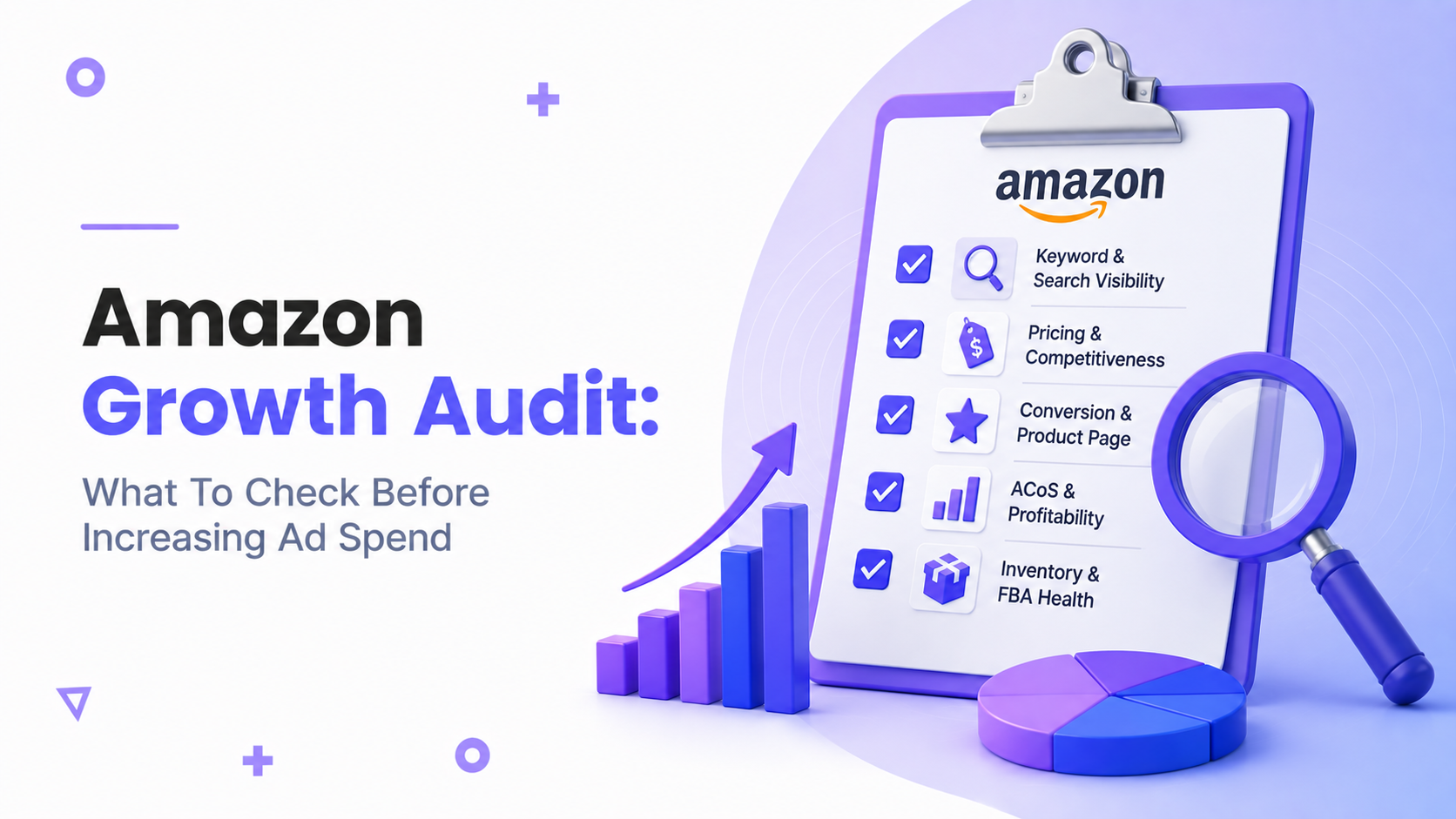
amazon growth audit: why you must audit before scaling
Before you increase budgets, run an amazon growth audit to verify your account, listings, creative and unit economics. Scaling without checking the fundamentals amplifies problems: wasted spend, suppressed listings, stockouts and margin erosion. This guide shows the specific checks to run, how to prioritize fixes and a copy-ready checklist you can use yourself or hand to a consultant.
When to run an audit
Signs you need an audit
- Rising ACOS or falling ROAS after incremental spend.
- Stable traffic but low conversion rate (CVR).
- Frequent inventory issues or late restocks.
- New competitors, MAP changes or pricing pressure.
- Policy warnings, suppressed listings or indexing failures.
Business objectives and scale readiness
Define what scaling means for your business: more units, higher TACOS, or expanding into new ASINs. An audit confirms whether listing conversion, inventory and profitability support that objective.
Timeframe and frequency
Run a full audit before any major budget increase, quarterly for mature brands, and after big catalogue or creative changes.
Audit PPC performance
Key metrics to review (ACOS, TACOS, ROAS)
Start with these metrics but interpret them together. ACOS shows ad-level efficiency, TACOS reveals advertising’s share of total revenue, and ROAS provides revenue per ad dollar. Compare current figures against your historical baseline and target thresholds for profitable scale; use internal benchmarks where available and the Amazon PPC benchmarks 2026 to evaluate performance bands.
Campaign structure and targeting
Check whether campaigns mirror your catalog and funnel: branded vs non-branded, product-targeting, category, and audience segmentation. Poor structure hides high-performing search terms and increases wasted spend.
Search term reports and negative keywords
Review the Search Term Report for waste and high-converting queries. Add clear losers as negatives and move converting queries into exact-match or custom campaigns for control. For strategy, see our diagnostic checklist for PPC drops and guidance on negative keyword tactics in the negative keywords strategy article.
Bids, budget allocation and placement performance
Check placement adjustments (top of search), impression share and campaign daily caps. If a campaign exceeds budget frequently, allocate more deliberately using a ramp plan rather than immediately doubling spend.
Audit listings and content
Product titles, bullets and backend keywords
Confirm title clarity, keyword relevance and search term coverage. Use the listing optimization checklist for a deeper, step-by-step review. Ensure backend search terms are de-duplicated and comply with Amazon rules.
Product images and image compliance
Main image, lifestyle shots and zoomable assets must meet Amazon’s technical rules and convert. Check image sizes, background requirements and file formats; see practical specs in our product image requirements 2026 article.
A+ content, Brand Story and messaging
Confirm A+ modules are complete, mobile-friendly and reinforce top buying benefits. Use the A+ content requirements 2026 reference to validate module sizes and permitted content.
Reviews, Q&A and social proof
Scan review distribution and recent negative trends. Address recurring product issues and prioritize honest remediation; also ensure Q&A answers are accurate and highlight differentiators.
Creative and conversion checks
Main image and lifestyle photos
Evaluate whether images communicate the product’s primary benefit within two seconds. If possible, run image-level A/B testing. For systematic creative reviews, see our creative audit for images and A+.
Mobile versus desktop conversion
Most shoppers view on mobile. Check mobile layout for truncated bullets, CTA placement and image order. A page that converts on desktop but not mobile will waste ad spend.
A/B testing and holdout experiments
Design holdout experiments before full-scale spend increases: lift tests, image swaps, and price experiments. Run controlled ramps and measure incremental lift against a baseline.
Common creative conversion leaks
- Main benefit missing in first image.
- Poor text hierarchy in bullets that buries key features.
- Inconsistent messaging between ad creative and listing.
- Slow image load or non-compliant files causing suppression.
Operational and account health checks
Inventory forecasting and replenishment
Calculate days-of-sellable inventory and lead times. Scaling ad spend with low stock risks stockouts and suppressed buy box share. Build safety stock into your ramp plan.
FBA fees, storage and long-term risk
Verify current fee structure for your size and category. Excessive restock lead time or long-term storage fees can quickly eat margin when volume increases.
Seller Central health and policy violations
Check the Account Health dashboard and remove any outstanding policy warnings before scaling. Our Seller Central management checklist helps you verify common health items and remediation steps.
Listing suppression and indexing problems
Make sure no ASINs are suppressed and verify indexing for primary keywords. If a listing is suppressed or not indexed, correct the issue before adding paid traffic. See causes and fixes in causes of suppressed listings and our checklist for listing indexing issues.
Profitability and pricing audit
Calculate true product profit
Recompute unit profit including FBA fees, returns, advertising, coupons and a realistic return rate. Use the steps in our calculate true product profit guide before committing extra ad dollars.
Promotions, coupons and impact on margin
Model the combined effect of discounts and ad spend. Temporary promotions can mask poor organic conversion and create a dependency on discounts.
Competitor pricing and MAP
Confirm your pricing strategy is sustainable under a scale scenario. If MAP or competitive drops force margin compression, reconsider the budget ramp.
Minimum viable ACOS to scale safely
Define the ACOS or ROAS that preserves target profit. This becomes a guardrail for automated ramps and campaign expansion.
Technical tracking and analytics
Attribution, TACOS and cross-channel effects
Consider how off-Amazon channels change TACOS and attribution. Track organic lift versus paid spend to avoid double-counting conversions.
UTMs and off-Amazon tracking
Use UTMs on external campaigns and track landing pages for accurate channel-level reporting.
Reporting cadence and dashboards
Set daily PPC monitoring and weekly deeper reviews. Build dashboards that combine Advertising, Business Reports and inventory snapshots.
Data quality checks
Validate that conversions and sales match across Seller Central and your reporting tools. Resolve any discrepancies before scaling decisions.
Prioritization and action plan
Quick wins versus high-impact fixes
- Resolve suppressed listings and indexing issues.
- Stop wasteful spend via negative keyword updates.
- Fix main image and mobile layout leaks.
- Confirm inventory for forecasted demand.
- Recalculate unit economics with updated fees.
Budget ramp strategy and guardrails
Ramp in 20–30% increments with ACOS or ROAS triggers. Pause or roll back when key KPIs exceed thresholds you defined.
Test plan for incremental spend
Use holdout groups and incremental campaign tests. Assign clear success metrics and timelines before moving more budget.
When to pause scaling and re-audit
Pause if ACOS rises above your minimum viable threshold, inventory falls below safety stock, or new policy issues appear.
Amazon account audit checklist
- PPC: Check ACOS, TACOS, impressions, CTR, CVR, CPC.
- PPC: Review Search Term Report and add negatives (see negative keywords strategy).
- Listings: Confirm titles, bullets, backend keywords (see listing optimization checklist).
- Creative: Validate main image, lifestyle shots, A+ modules (see creative audit for images and A+).
- Operations: Inventory levels, restock dates, FBA status.
- Account: Check Health Dashboard, policy warnings, suspensions (see Seller Central management checklist).
- Indexing: Verify product is indexed for primary keywords (see checklist for listing indexing issues).
- Profit: Recalculate unit economics after fees and returns (see calculate true product profit).
- Testing: Set up holdout and A/B tests for major changes.
- Ramp plan: Define daily spend caps and ACOS triggers.
Next steps and how Brandwink can help
How to prioritize your first 3 audit fixes
- Resolve any suppressed or non-indexed listings that block traffic.
- Stop obvious PPC waste (negatives + poor campaign structure).
- Verify inventory and recalculated unit economics so ramps don’t create losses.
If you want help running a thorough review and a safe ramp plan, request a consult. Our team offers an Amazon PPC audit free to identify quick wins and a prioritized action plan.
FAQ
What is an amazon growth audit and how long does it take?
An amazon growth audit reviews PPC, listings, creative, inventory and account health. A focused audit can take 2–3 days for a single SKU set; full-catalog audits typically take 1–2 weeks depending on scope.
Which PPC metrics are most important before I increase ad spend?
ACOS, TACOS, ROAS, CTR, CVR and impression trends. Use them together to judge whether extra spend will scale or simply increase costs.
How do I know if my listings can convert extra traffic?
Check conversion rates, mobile layout, image effectiveness and recent review trends. Run small traffic tests and A/B holdouts before full-scale ramps.
What inventory or FBA checks must be completed before scaling ads?
Confirm current stock covers the forecasted sell-through plus lead time buffer and check for inbound shipments that may be delayed. Avoid scaling if safety stock is below your buffer.
How quickly should I ramp ad spend after completing an audit?
Ramp gradually — for example, 20–30% increases with monitoring windows and predefined KPI triggers to pause or continue.
Can I run an audit myself or should I hire an agency?
Smaller sellers can run a basic audit using the checklist above. If you lack time, tools or experience in controlled testing and ad ramps, an agency can speed the process and reduce risk.
What guardrails should I set to prevent fast ad spend losses?
Set daily spend caps, minimum profit ACOS thresholds, inventory safety limits and mandatory pause triggers for policy warnings or suppressed listings.
Ready to take the next step? Request a free consultation with Brandwink to run a focused audit, identify quick wins and build a safe budget ramp plan. Amazon PPC audit free
